- Standalone
- QBCore
- ESX
- QBox
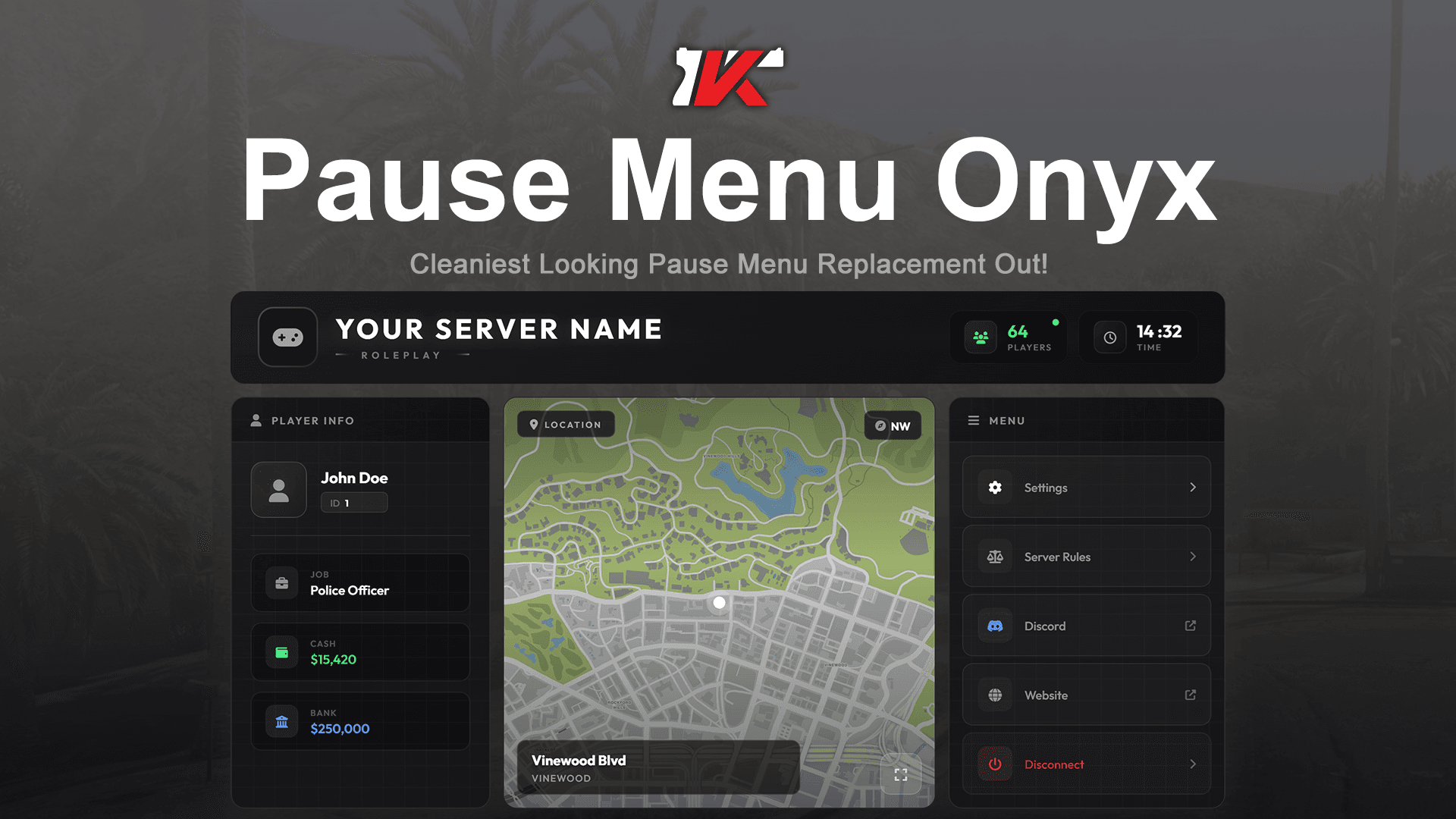
PAUSE MENU ONYX
Replace the default GTA pause menu with a fully custom, immersive UI. Displays player info, job, cash, bank balance, location, and server stats in a…
$14.99
FiveM script
Transform your server with the most advanced ped menu system available. Why Choose Kyros Ped Menu v2?
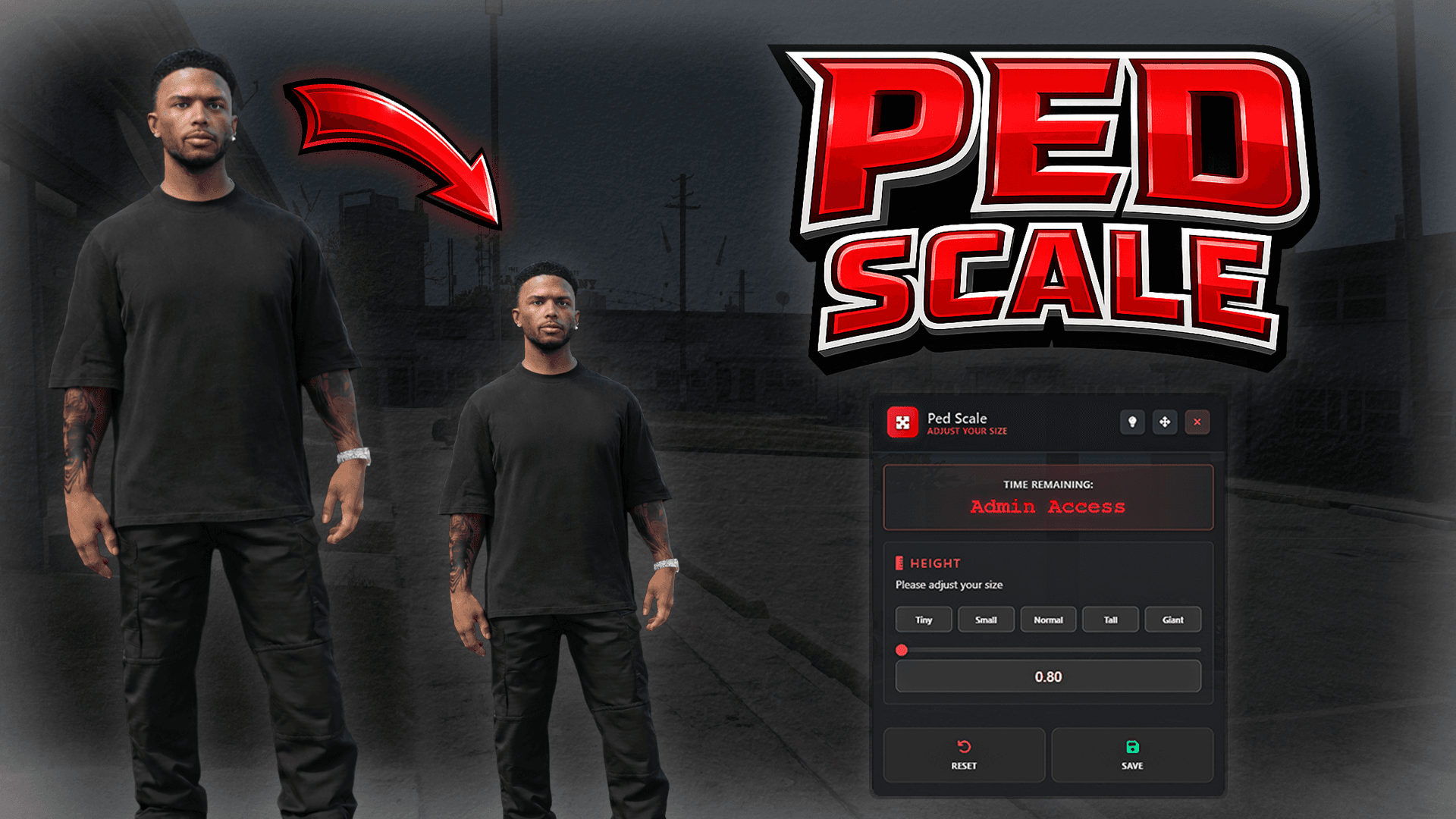
KYROS PED MENU V2🧍♂️
Transform your server with the most advanced ped menu system available.
🔒 Advanced Security - Discord role integration + private ped system keeps your exclusive content protected⚡ Zero Lag - Smart caching and optimized code means smooth performance even on busy servers🎨 Beautiful Interface - Clean, modern UI that your players will actually enjoy using🛠️ Admin Friendly - Powerful management tools with detailed logging and webhook notifications
💎 Perfect For
✅ Roleplay Servers - Give players immersive character options
✅ VIP Systems - Reward donors with exclusive ped access
✅ Staff Teams - Easy player management with admin tools
✅ Community Servers - Discord integration builds engagement
Role-based access control with automatic Discord verification. Grant ped access based on Discord roles, ensuring only authorized members can use special characters.
Restrict special characters to VIPs, donors, or specific players. Control who can access premium peds with flexible permission systems.
Add your custom peds in a flash! Simply add them with spawn codes through the config file. No complicated setup required.
Works seamlessly with ESX, QBCore, and Standalone setups. Automatically detects and integrates with your existing framework.
Multiple permission methods including Steam ID, Discord ID, and role-based restrictions. Mix and match for complete control over ped access.
Powerful admin tools to set peds for players, grant access permissions, and manage the entire ped system from in-game commands.
Track all ped changes with Discord webhook integration. Monitor who changes peds, when they do it, and maintain full audit logs.
Automatically detects and integrates with your existing ESX, QBCore, or Standalone systems. Smart detection ensures seamless compatibility.
FiveM Server (Any Version)
Compatible with ESX, QBCore, or Standalone
Discord Bot Token
For Role-Based Access
Custom Ped Models (If Using Custom Characters)
/pedmenuRole-BasedOpen the interactive ped selection menu. Access is controlled by Discord role verification for private peds.
/setped [player_id] [ped_model]AdminSet a specific ped model for any player. Immediately changes the target player's character model. Example: /setped 1 a_m_m_business_01
/givepedmenu [player_id]AdminOpen the ped selection menu for another player. Allows admins to help players access the menu remotely. Example: /givepedmenu 1
/grantped [player] [ped_model]AdminGrant a player permanent access to a specific private ped model. Adds the player to the allowed users list for that ped.
/revokeped [player] [ped_model]AdminRemove a player's access to a specific private ped model. Revokes their permission to use that particular ped.
/listped [ped_model]AdminDisplay a list of all players who have access to a specific private ped model. Useful for managing permissions.
/checkped [player] [ped_model]AdminCheck if a specific player has access to a particular private ped model. Returns permission status.
/testped [ped_model]DebugTest a ped model change for debugging purposes. Only available when debug mode is enabled in config.
/testcameraDebugTest the camera system to verify proper camera positioning and controls. Available for debugging.
What a day to wake up to Kyros dropping again. The queue is way better than the default and everyone else's. Easy to add, you literally can't mess it up with the instructions. 10/10, def cop if you don't have a queue.
10/10, highly recommend. Great customer service, very active and speedy with responses. The instructions included in the pack were clear, step by step, and actually funny. Thank you!
The best part is the easy-to-follow instructions! I know that takes a lot of time, and I want to personally thank whoever creates the tutorials and provides all the component names.
Still unsure? Read the full FAQ
Replace the default GTA pause menu with a fully custom, immersive UI. Displays player info, job, cash, bank balance, location, and server stats in a…
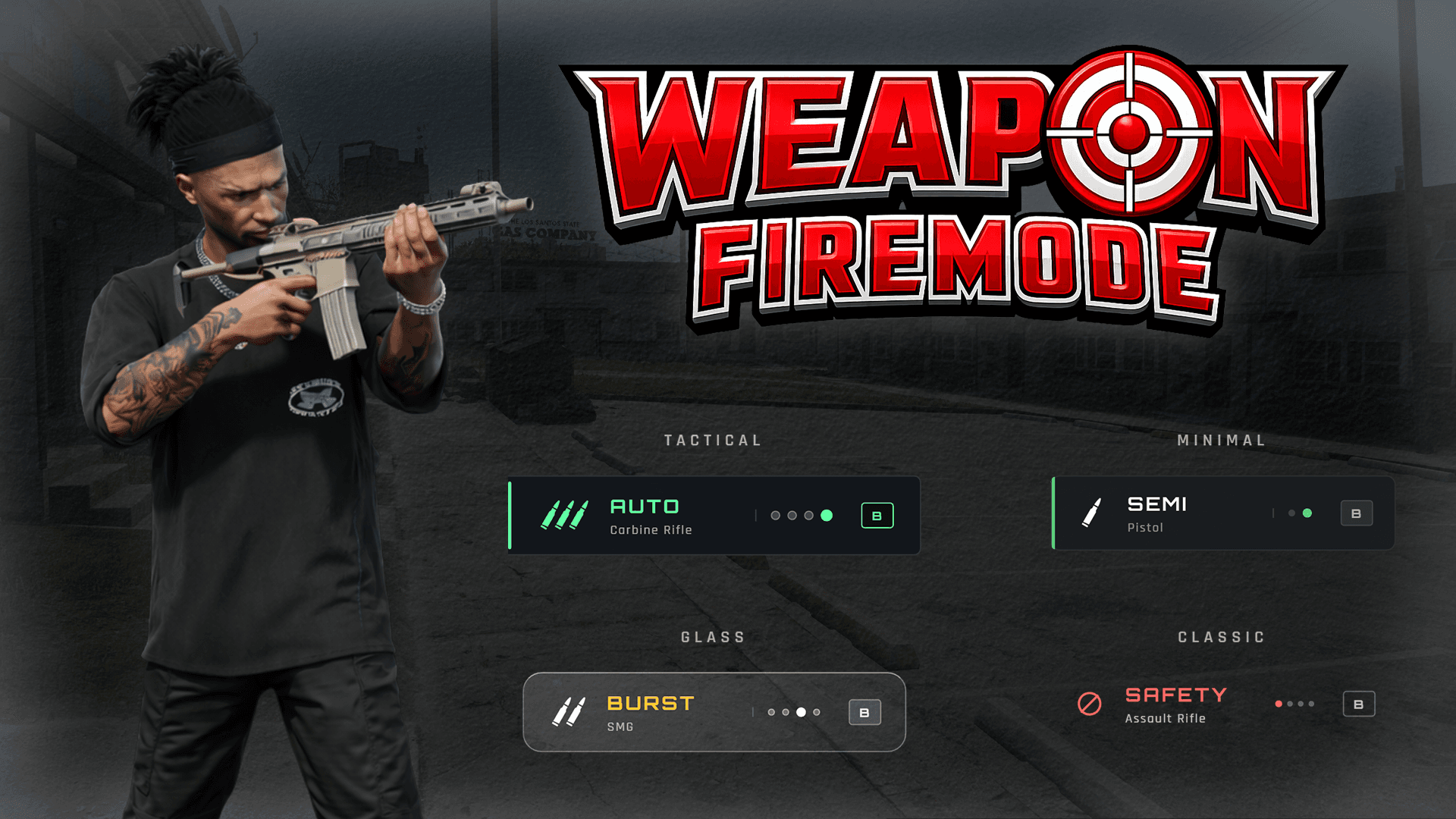
Kyros Firemode is a modern, feature-rich weapon fire mode selector for FiveM servers.
Give your players the power to transform their character size with the most polished scaling system available.
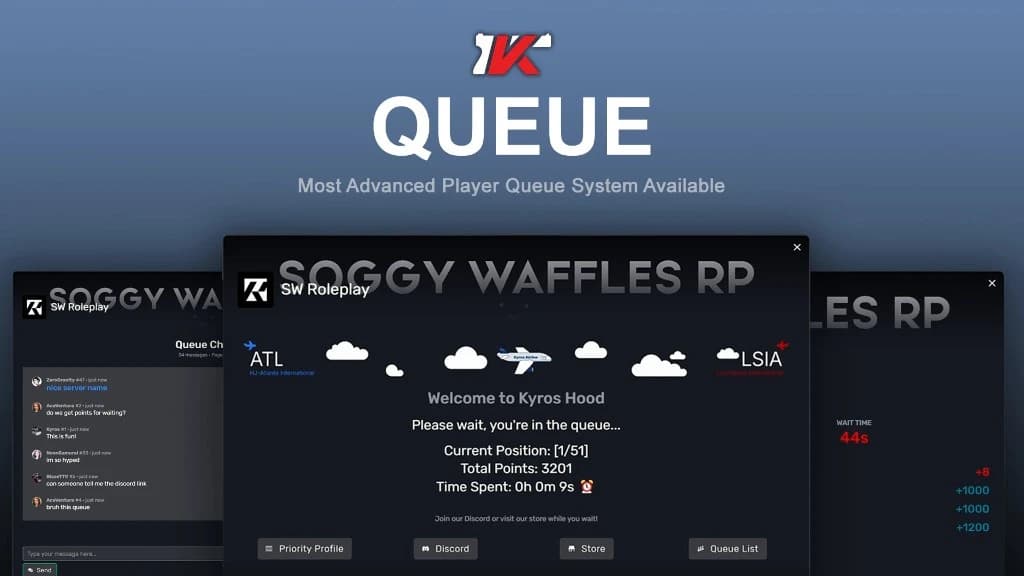
Kyros Queue is a modern, user-friendly queue system for FiveM servers that helps manage player connections when your server is full.
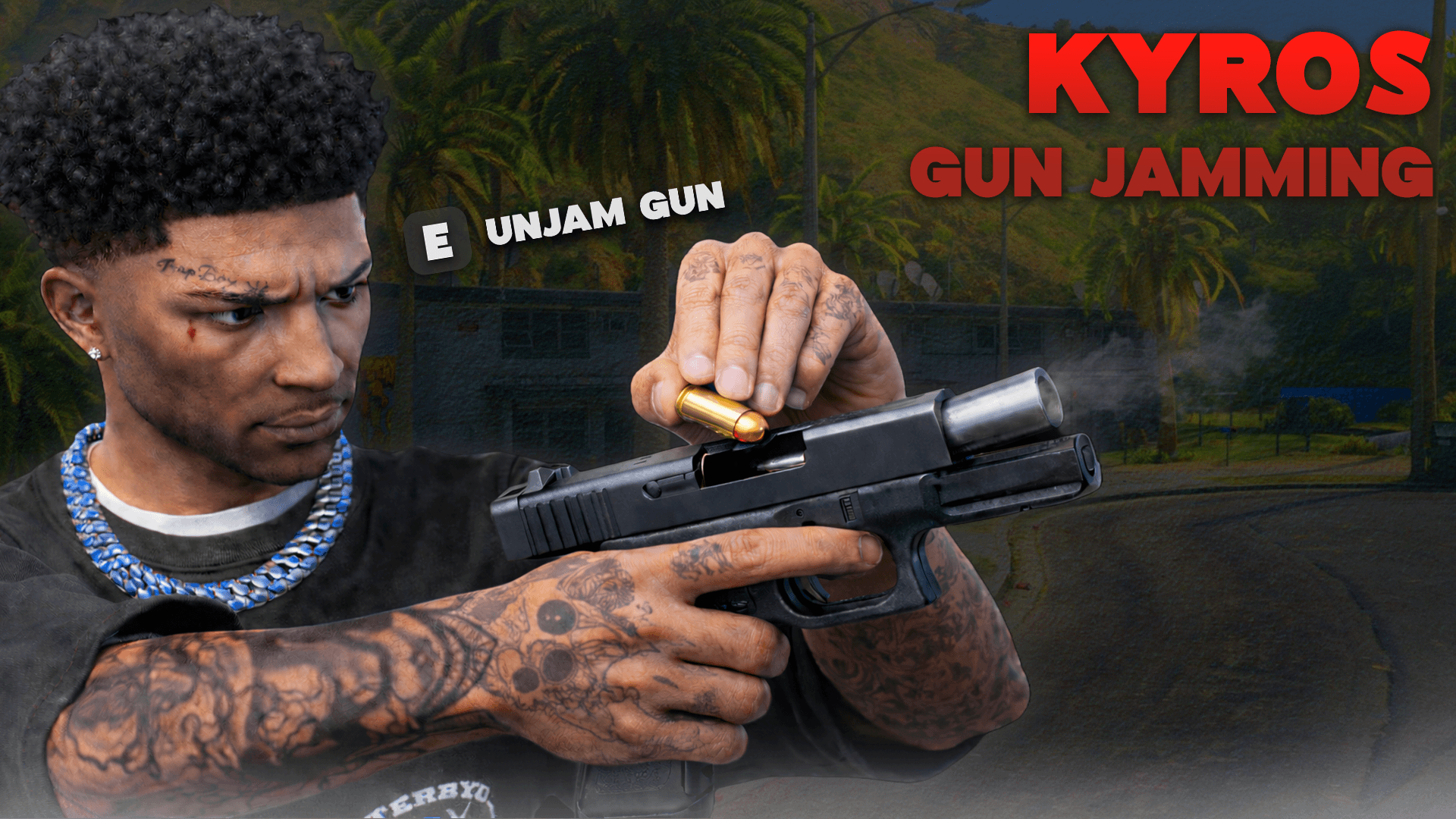
The Kyros Weapon Jamming System brings realistic weapon malfunctions to your FiveM server.
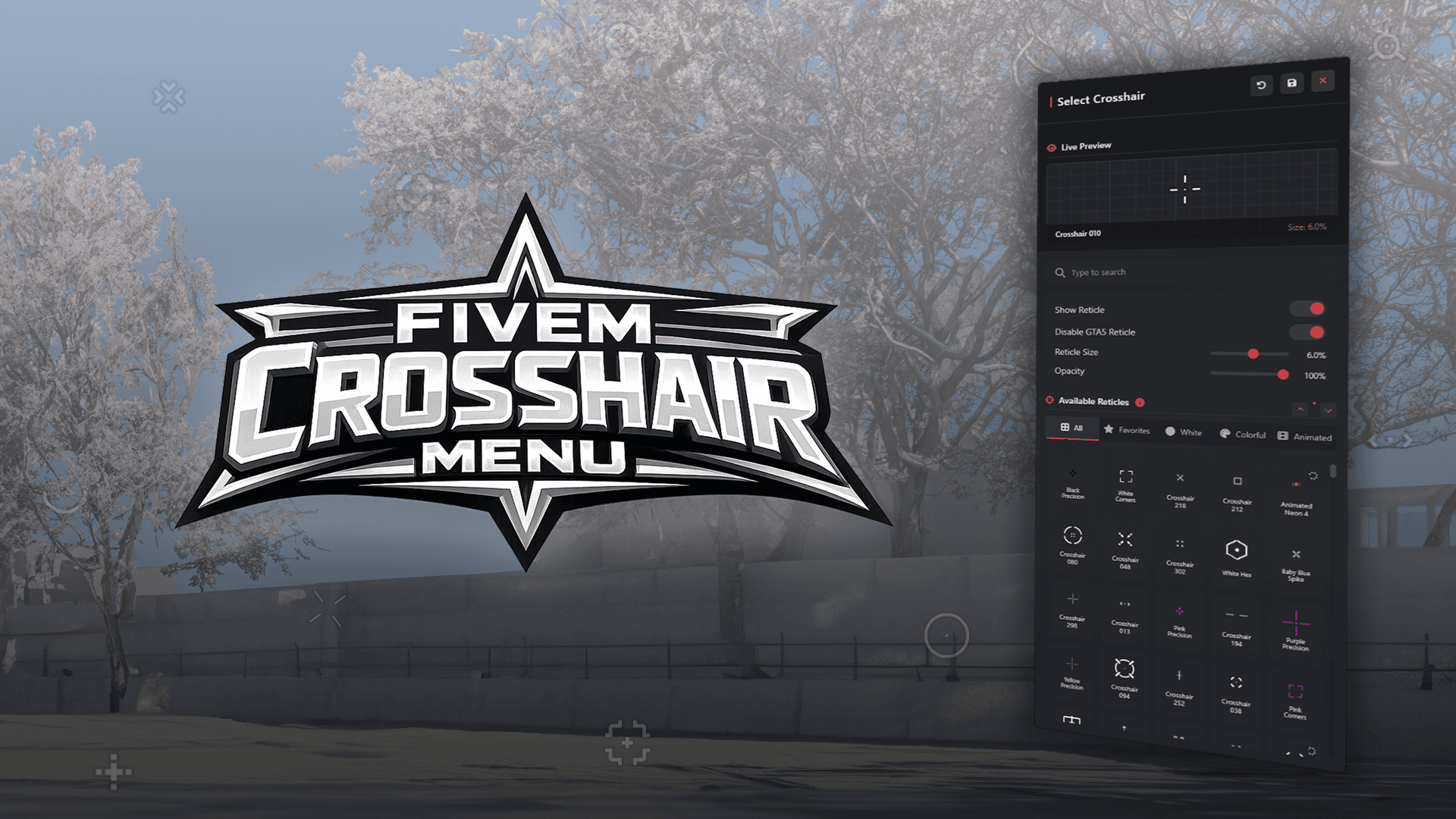
Elevate your FiveM experience with Kyros Crosshair, a premium crosshair customization system designed for both competitive gameplay and immersive roleplay.
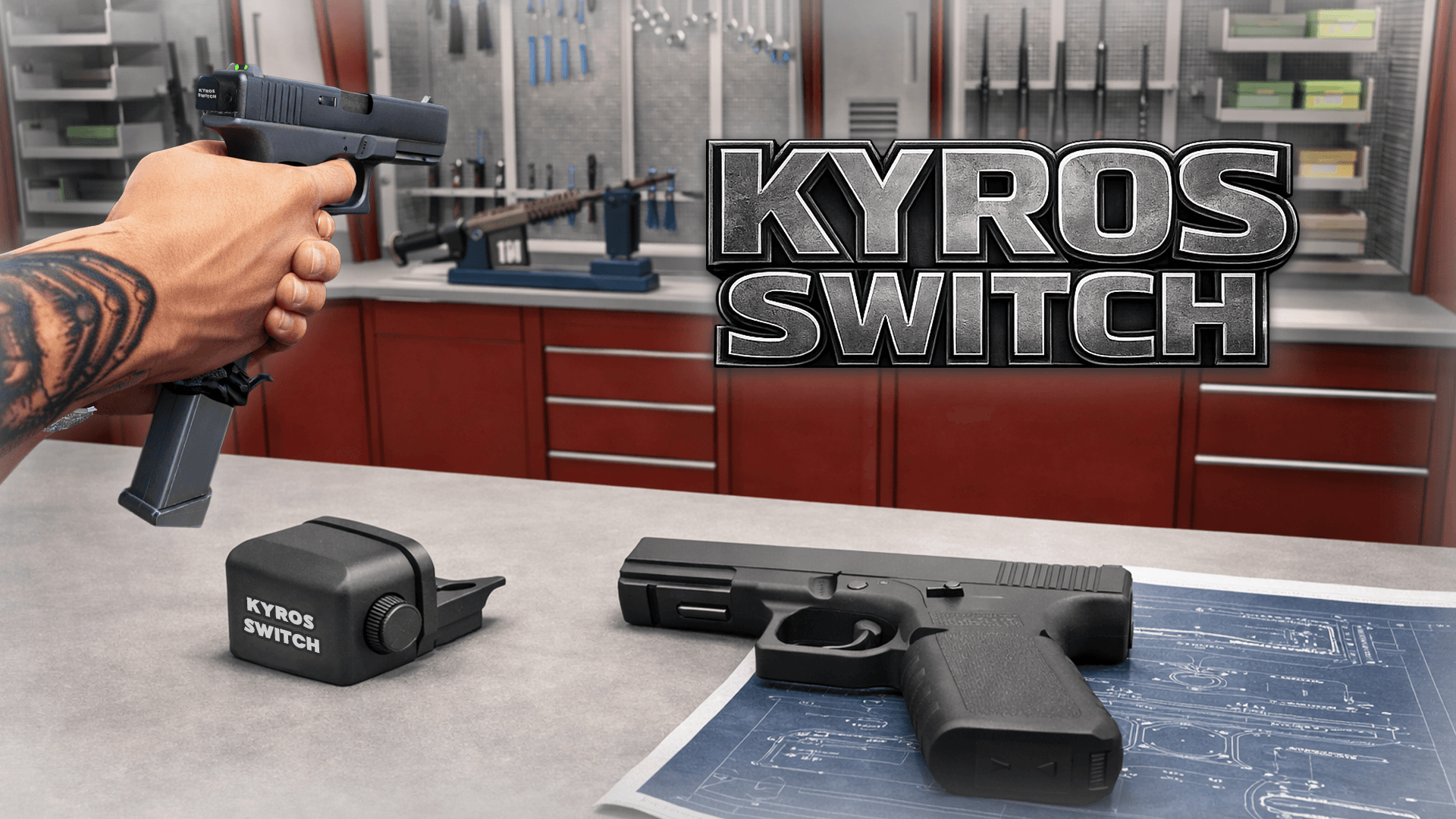
The Kyros Switch Script introduces a new level of customization for weapons on your FiveM server, enhancing immersion and gameplay mechanics.
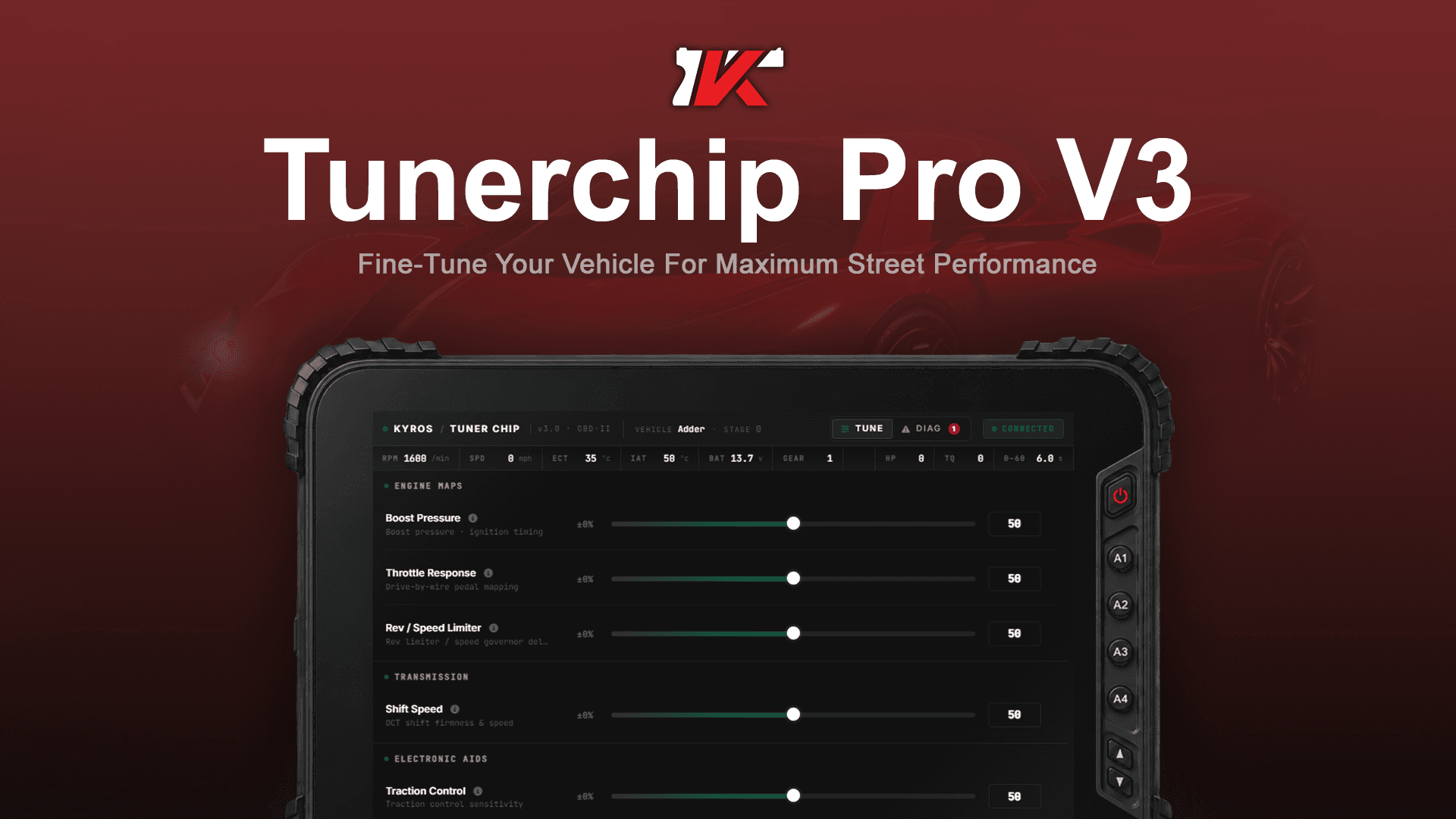
Kyros Tuner Chip is a realistic, tablet-style vehicle tuning system for FiveM.