Discord Presence
Requirements
Framework
StandaloneQBCoreESXQBox
FiveM Build
1868+
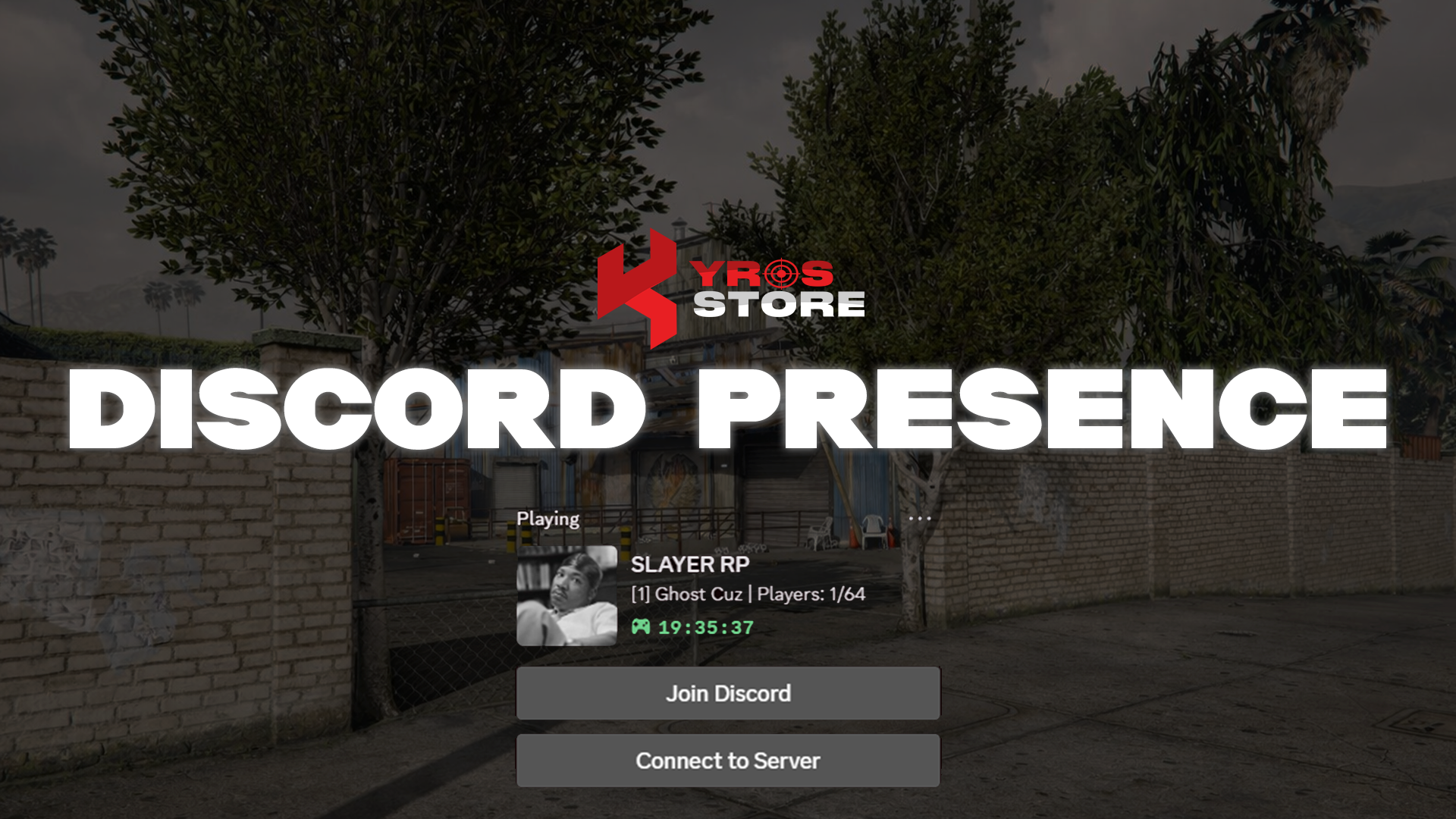
Kyros Discord Presence displays your FiveM server information directly in players' Discord rich presence — showing the server name, player count, and other custom details while players are in-game.
Features
- Dynamic Discord rich presence integration
- Displays server name, player count & custom status
- Fully customisable text, images & buttons
- Real-time updates as players move between locations
- Compatible with Standalone, QBCore, ESX & QBox
Compatibility
Standalone
QBCore
ESX
QBox
Installation
1
Download from Keymaster
Download kyros-discord-presence from keymaster.fivem.net.
2
Create a Discord Application
Go to the Discord Developer Portal, create a new application, and copy the Application ID.
3
Configure
Open config.lua in the resource folder — paste your Discord Application ID, set the server name, images, buttons, and status messages. Every option is documented with inline comments.
4
Add to server.cfg
server.cfg
ensure kyros-discord-presenceStuck on this step?We answer fastest in Discord.