Kyros Queue
Requirements
Framework
StandaloneQBCoreESXQBox
FiveM Build
1868+
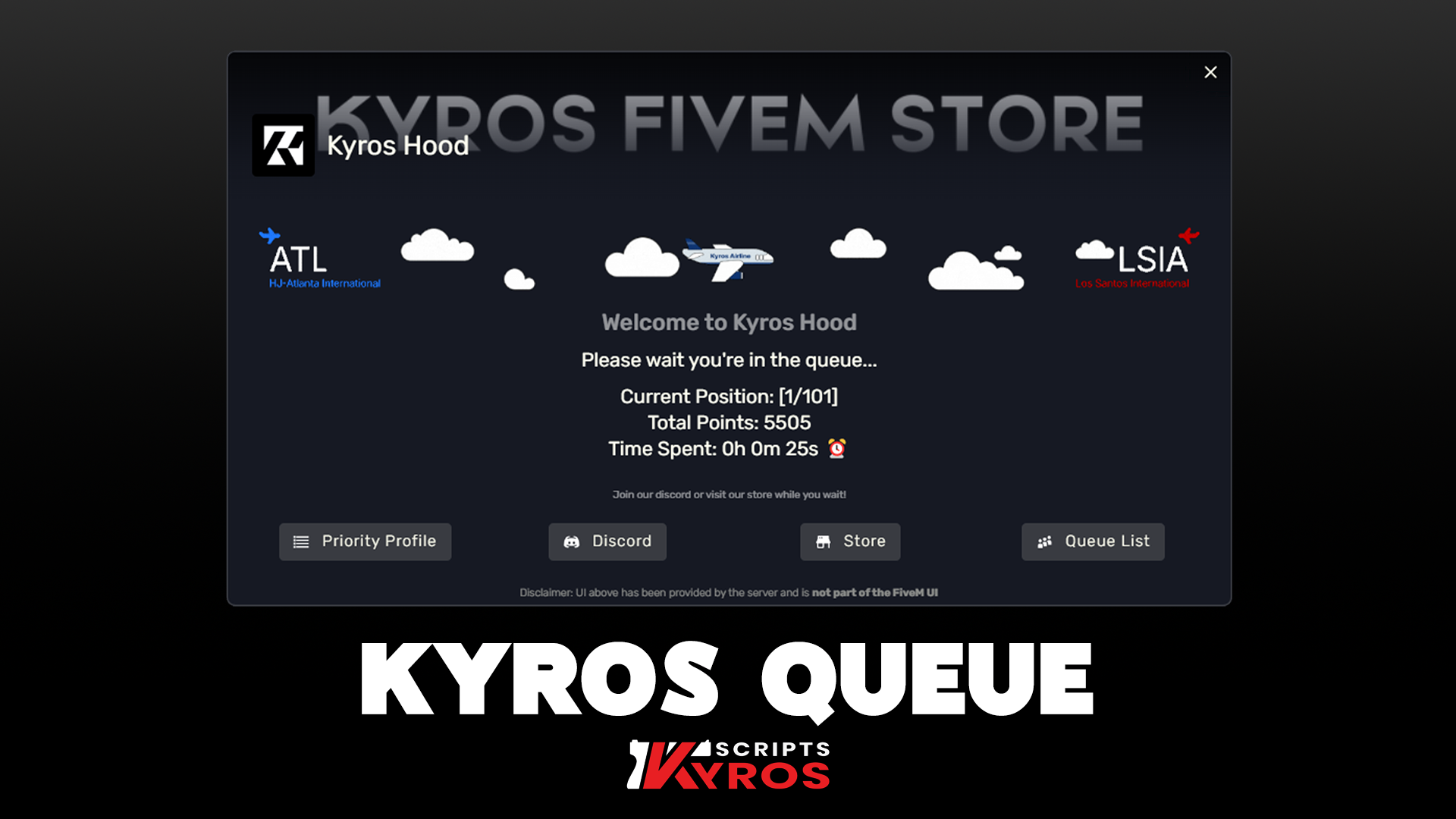
An advanced queue script made to enhance the process of joining the server, letting players experience a beautiful and smooth queue interface. 💗
Installation
1
Download from Keymaster
Log in to keymaster.fivem.net, go to Granted Assets and download kyros-queue.
2
Extract with WinRAR or 7-Zip
Do not use the Windows built-in extractor — it can corrupt escrow-protected files.
3
Upload to your resources folder
Place the kyros-queue folder inside your server's resources/ directory. If using FTP, always upload with WinSCP.
4
Add to server.cfg
server.cfg
ensure kyros-queue5
Configure the script
Open config.lua in the resource folder — every setting is documented with inline comments. Adjust the values to taste, then save.
6
Restart your server
Start or restart your FiveM server and connect to verify the queue is working.
Having issues? Check the FiveM Asset Escrow System page for common error fixes.
Stuck on this step?We answer fastest in Discord.